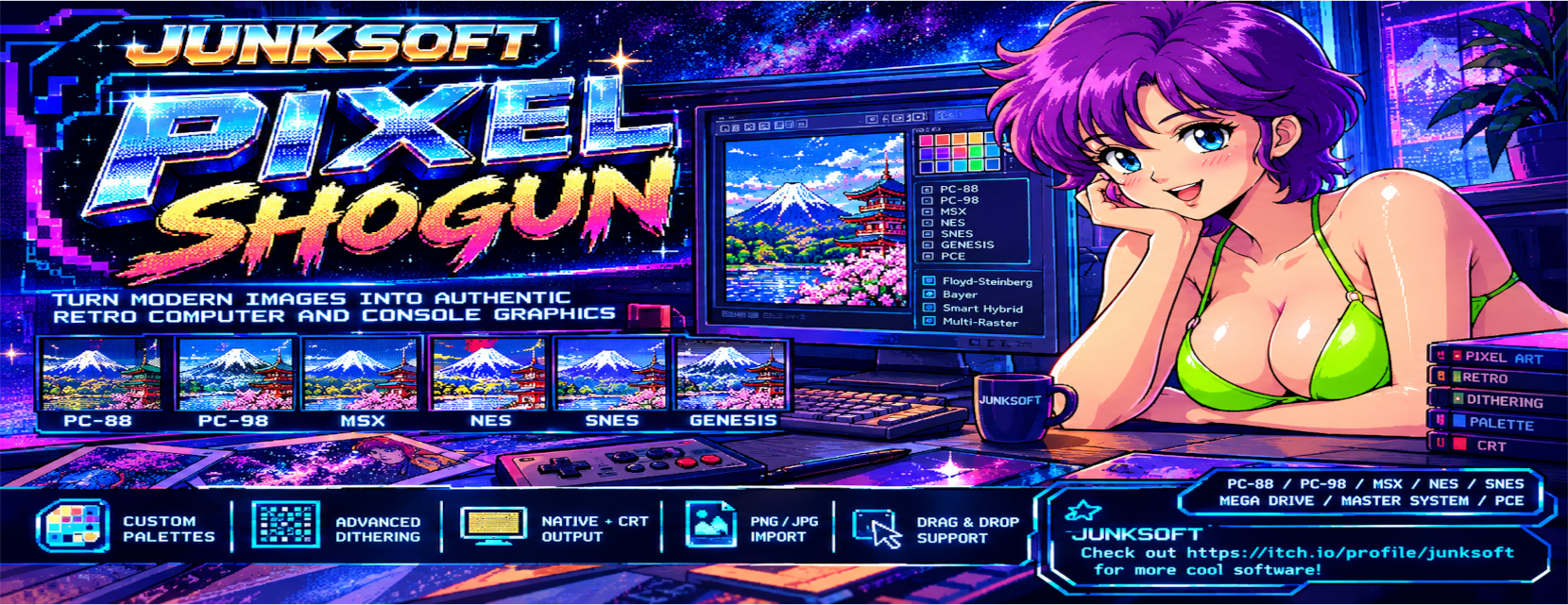
Pixel Shogun
A downloadable tool for Windows
PIXEL SHOGUN
**Pixel Shogun** is a retro hardware-art reconstruction workstation designed for artists, pixel art enthusiasts, retro game developers and anyone who loves the visual character of classic computers and consoles.
Instead of simply applying a "retro filter", Pixel Shogun focuses on reconstructing images under the actual limitations and visual characteristics of classic hardware.
## FEATURES
### Classic Hardware Modes
Recreate images using dedicated display modes inspired by classic systems, including:
- PC-88
- PC-98
- MSX1
- MSX2
- NES
- SNES
- Mega Drive / Genesis
- Master System
- PC Engine
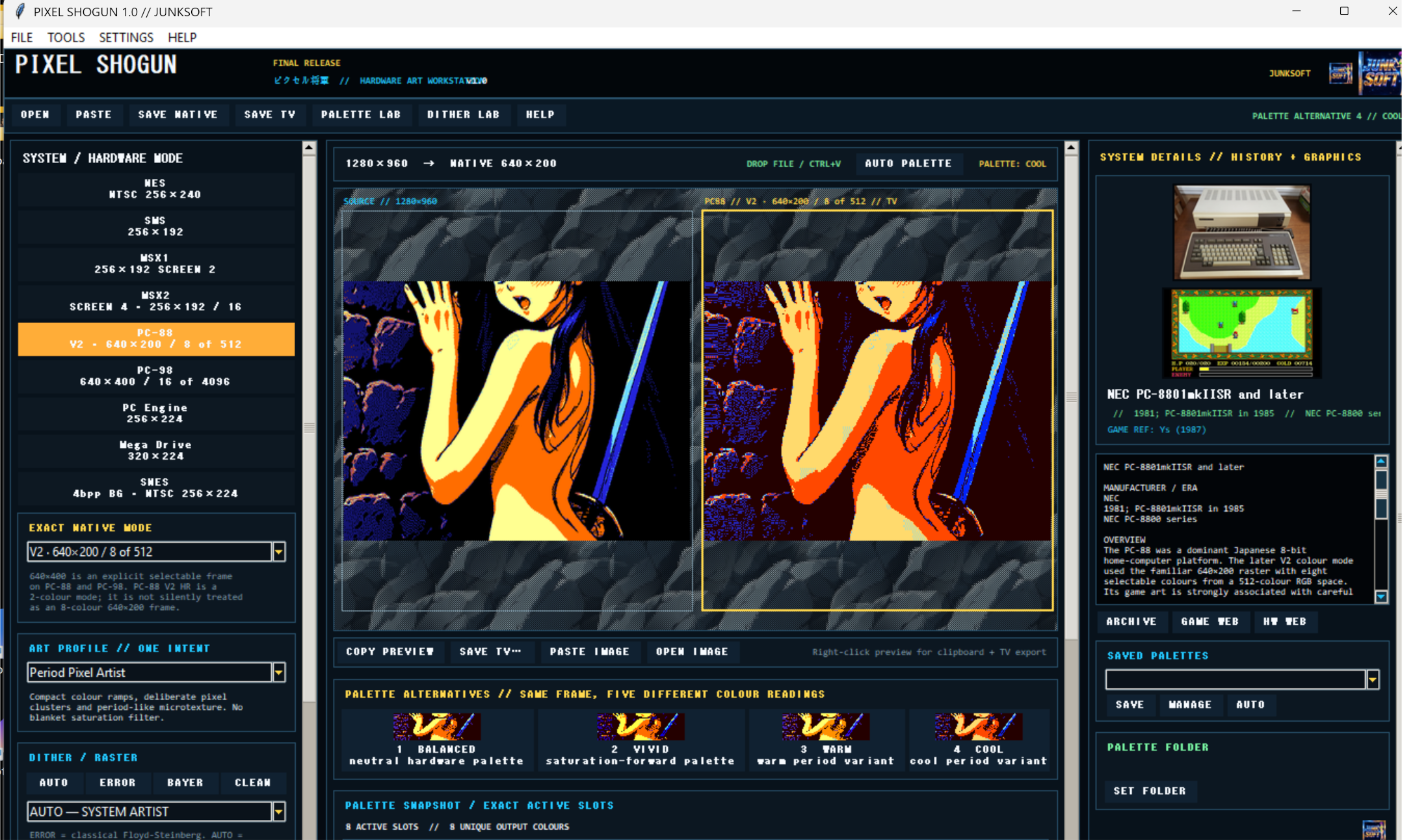
The available modes are designed around the native resolution, palette and raster characteristics of the selected system.
### Authentic Dithering
Pixel Shogun treats dithering as part of the image construction rather than as a simple visual effect.
Available methods include:
- Floyd-Steinberg
- Bayer
- Smart Hybrid
- Multi-Raster processing
Different image areas can use different raster approaches to preserve gradients, structured areas and strong edges.
### Palette Control
Create, select and manage named palettes and experiment with alternative palette configurations.
The palette manager allows you to build your own retro color sets and save them for later projects.
### Native + CRT Output
Pixel Shogun separates the **native hardware frame** from the final simulated display output.
Create the authentic hardware-style image first, then generate a separate TV / CRT presentation.
This makes it possible to keep the native pixel result clean while experimenting with:
- CRT appearance
- TV output
- custom display resolutions
- 4:3 presentation
### Image Import
Supported input includes:
- PNG
- JPG / JPEG
- Clipboard images
- Windows Explorer drag & drop
Simply paste an image with **Ctrl+V** or drag an image directly into the application.
## 640×400 MODES
Pixel Shogun keeps different historical hardware modes separate rather than treating them as interchangeable.
PC-98 uses a native 640×400 graphics mode.
PC-88 V2 also supports 640×400 high-resolution output, but this is a 2-colour high-resolution mode. The classic V2 colour mode is 640×200 with 8 colours selected from a larger palette.
Pixel Shogun preserves this distinction.
## WHO IS IT FOR?
Pixel Shogun is made for:
- Pixel artists
- Retro game developers
- ROM hackers
- Demake creators
- Retro enthusiasts
- Game artists looking for authentic old-school limitations
- Anyone who wants to explore classic computer graphics
Whether you're recreating the look of a forgotten Japanese PC game or simply experimenting with constrained palettes and old-school dithering, Pixel Shogun is built around the idea that **limitations create style**.
---
# JUNKSOFT
**Pixel Shogun 1.0 — A JUNKSOFT Product**
Download
Click download now to get access to the following files:
Leave a comment
Log in with itch.io to leave a comment.